Understanding the distinction between Garena’s official testing program and third-party modifications is crucial for anyone seeking early access to Free Fire updates. The Free Fire Advance Server is a secure, sandboxed testing environment hosted on Garena’s official servers. The Astute Beta Server, conversely, is an unauthorized client modification compiled by anonymous modders. It relies on host-redirection patches, strips anti-cheat verification files, and routes traffic through unverified private nodes, placing your gaming account and device at high risk.
1. The Game Testing Lifecycle & Update Paradigms
In the ecosystem of massive multiplayer online battle royale games, pushing a major update directly to millions of active players is a risky engineering task. Even minor errors in weapon physics, collision maps, or character skill logic can degrade game quality and cause client crashes. To minimize this, developers like Garena use a phased deployment cycle. Before pushing a major Open Beta (OB) update (such as the upcoming OB53 release) to the live global server fleet, they deploy the build to an isolated testing environment.
This is where the official Free Fire Advance Server fits in. It operates as a staging environment. It runs alongside the live production servers but connects to an independent database cluster. This ensures that whatever bugs, memory leaks, or crashes occur during early testing do not impact player profiles, Elo rankings, or purchasing logs on the live production databases.
Because Garena caps the number of players admitted to this staging system to reduce load and focus on actionable crash telemetry, most players are left locked out. This scarcity is what unauthorized third-party developers exploit when they create the Astute Beta Server. They reverse engineer the official client to build a standalone mod, pretending it is a bypass to the official staging system. In reality, it is a completely separate, modified, and unsafe product.
2. Infrastructure Comparison: Official Cloud vs. Local Emulators
To understand why these platforms behave so differently, we must look at the backend infrastructure that hosts their respective game servers. Free Fire is a highly server-authoritative game. This means that variables such as character position, weapon firing vectors, diamond balances, and inventory content are validated and stored on a central server, not on the player's local mobile device.
The official Free Fire Advance Server is integrated with Garena's cloud server infrastructure. This network utilizes distributed database layers (such as Redis caching clusters for real-time game state and MySQL/NoSQL database backends for player accounts) to sync data instantly. High-performance dedicated matchmakers manage lobby creation, grouping players by region and latency metrics to ensure smooth, low-ping game sessions.
The Astute Beta Server operates on a completely different model. Because Garena's proprietary server code is closed-source and protected behind strict network firewalls, the anonymous developers of Astute Beta cannot connect to official databases. Instead, they use a technique known as Server Emulation.
Modders build lightweight, open-source server scripts (often written in Java, Python, or Node.js) designed to mimic the basic network handshakes of the Free Fire client. These emulated servers run on cheap VPS (Virtual Private Server) nodes or even local machines. They only support basic game actions, such as navigating menus or loading local bot matches. This is why the Astute Beta Server suffers from frequent server disconnects, broken matchmaking queues, and high latency: it lacks Garena's massive cloud routing capabilities.
3. Connection Establishment and Networking Layer Analysis
When a player launches the official Free Fire Advance Server client, the application initiates a secure network handshake. This process relies on a combination of HTTP/REST APIs for player authentication and custom TCP/UDP transport protocols for real-time gameplay packets. The client connects to Garena’s OAuth2 authentication gateways, passing encrypted user credentials to verify the player's identity and confirm they have a registered Activation Code.
Once authenticated, the app establishes secure UDP socket connections with regional match-servers. These connections utilize modern transport security layers, including TLS/SSL encryption and certificate pinning, which prevents malicious actors from intercepting or modifying network packets in transit.
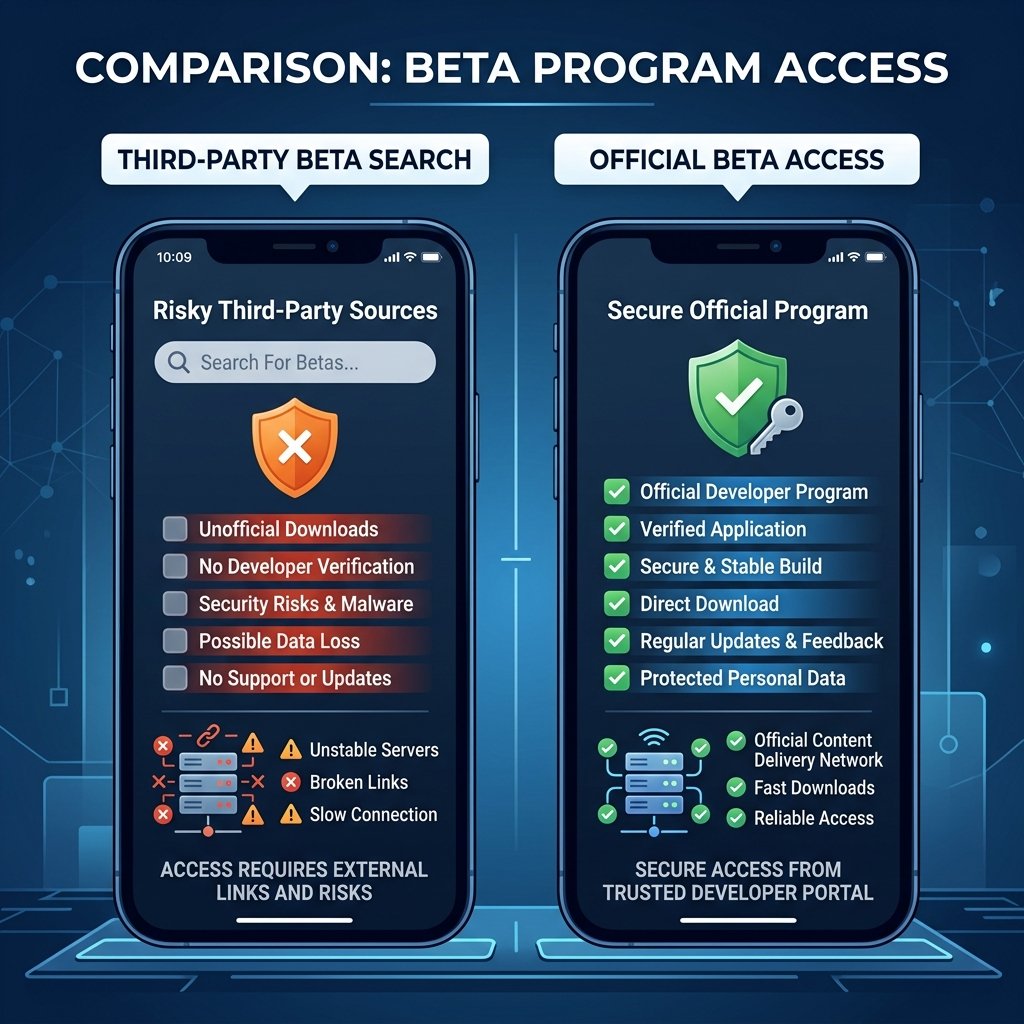
The Astute Beta Server APK bypasses these secure steps. To force the modified client to connect to their emulated servers instead of Garena's official auth servers, modders patch the application's compiled DEX (Dalvik Executable) bytecode. Using tools like bytecode-viewer or smali/baksmali assemblers, they locate the hardcoded API URLs and replace them with their own custom server IP addresses.
To make these redirects work without crashing the client, the modders must disable the application’s built-in SSL cryptographic handshake checks and certificate pinning. By stripping these security layers, they open your mobile device to Man-in-the-Middle (MITM) attacks. Any hacker sharing your local network (such as on a public Wi-Fi hotspot) can intercept the unencrypted data packets, harvesting whatever personal data, account tokens, or device identifiers the app transmits.
4. Anti-Cheat Integration & Device Ban Dangers
Garena protects its game balance using a proprietary anti-cheat system that monitors game activity in real time. This system uses a dual-verification strategy: a client-side integrity checker and a server-side heuristic analysis engine.
The client-side anti-cheat runs continuously within the game process. It scans the application's memory spaces to detect unauthorized debuggers, hook frameworks (such as Frida or Xposed), or active cheat tools (such as GameGuardian). It also calculates cryptographic hashes of all local game asset files. If these hashes do not match the expected values on the master server, the client halts the game and alerts the server.
Because the Astute Beta Server APK is reverse-engineered, its local file hashes are invalid, and its code signature is broken. To prevent the game from closing immediately, the developers of the modded APK must strip or disable the client-side anti-cheat modules.
However, this local bypass cannot fool Garena's server-side heuristics. The moment your device attempts to connect to Garena's official servers—even if you launch the official game client later—Garena's server audits the device's login history. If the server detects that the device previously authenticated using a modified signature or bypassed anti-cheat files, it flags the player for immediate enforcement.
Profile Deletion
When a modified client signature is detected, Garena permanently bans the associated Free Fire account ID. The user's progress, unlocked characters, weapon skins, and diamond balances are deleted from the database. Garena has a zero-tolerance policy for client tampering, and these bans cannot be appealed.
Hardware Blacklisting
For modified client violations, Garena often issues a Hardware ID (HWID) ban. The anti-cheat extracts unique hardware hashes from your phone (including IMEI, MAC address, and baseband serial numbers) and permanently blacklists them. Once blocked, you cannot play Free Fire on that device again, even with a new account.
By contrast, the official Free Fire Advance Server is a fully sanctioned testing application. It uses a separate test database, which keeps your main account profile completely isolated and safe. Even if the Advance Server build crashes due to a testing bug, your main profile remains untouched.
5. Access & Registration: Secure Tokens vs. Survey Scams
Another major difference lies in how players access these two platforms. The official Free Fire Advance Server uses a secure Activation Code system. When a player registers on the official Garena portal, Garena's servers generate a unique, cryptographically signed alphanumeric token linked to the user's login ID. When the player opens the official Advance Server APK, they must enter this code. The client validates it against Garena's database before granting access.
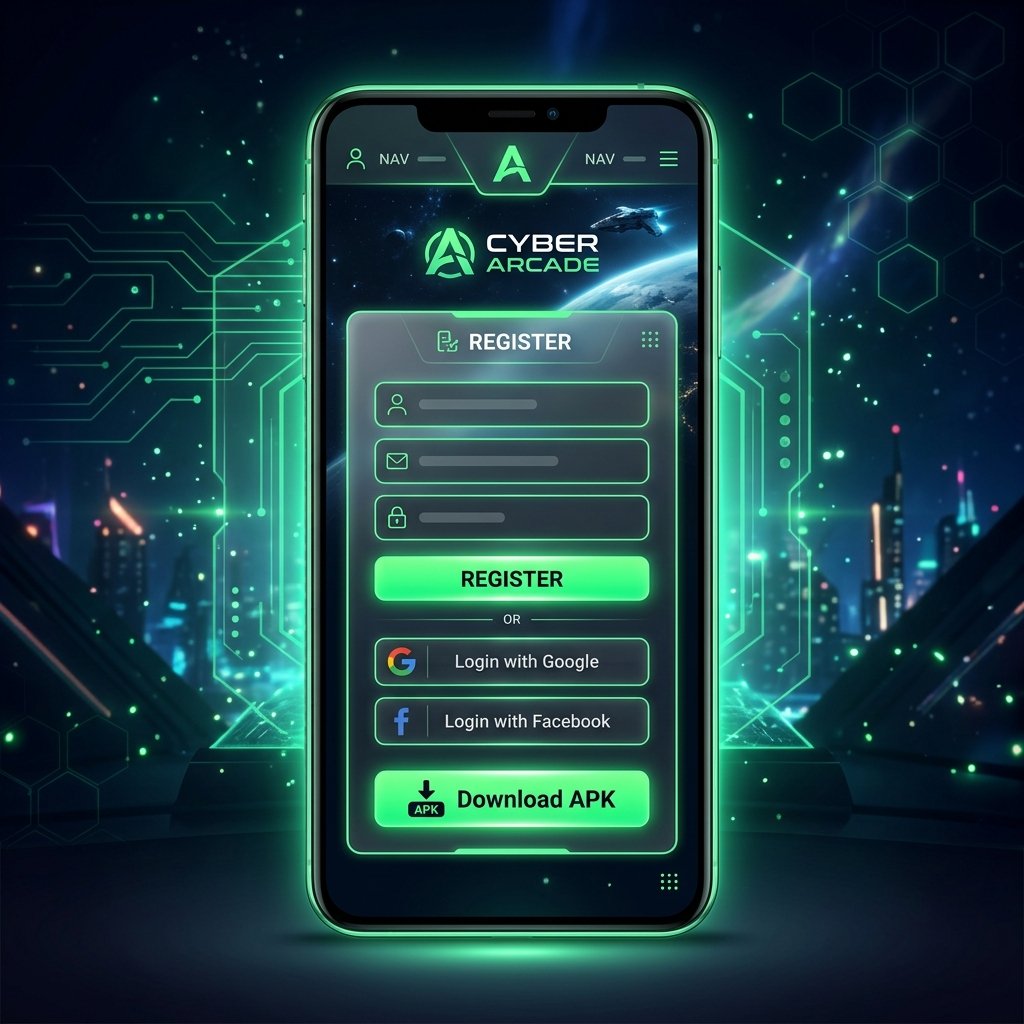
Because Garena limits the number of generated codes, players who miss the sign-up window often search for workarounds. This is where the Astute Beta Server exploits players. Distributing sites claim they can provide "unlimited activation codes" or modified APKs that bypass the code screen entirely.
These claims are marketing tricks designed to drive traffic to scam landing pages. Players are forced to click through ad-filled link shorteners, complete surveys, or install suspicious background apps to unlock a "free code." In the worst cases, these sites trick players into signing up for premium SMS subscription services, adding unexpected charges to their mobile phone bills.
6. Technical Comparison Table
This comparison table highlights the core structural differences between the official testing build and the unofficial modded client:
| Metric | Garena Advance Server (Official) | Astute Beta Server (Unofficial) |
|---|---|---|
| Publisher | Garena International (Official Dev) | Anonymous Third-Party Modders |
| File Distribution | Official Domain (garena.com) | MediaFire, Mega, Google Drive |
| Hosting Infrastructure | High-Performance Cloud Servers | Unstable Private VPS/Local Nodes |
| Security Model | TLS/SSL, Cert Pinning, Play Protect | Disabled SSL Pinning, Stripped Signatures |
| Anti-Cheat Status | Active (Monitors client memory) | Disabled/Bypassed (Triggers server ban) |
| Ban Risk | 0% (Sanctioned environment) | Extreme (Device & Main Account Ban) |
| Bug Rewards | Yes (Earn live-server diamonds) | None (Telemetry harvested) |
| Support Channel | Official Garena Helpdesk | None |
7. How to Register for the Official Advance Server Safely
To test upcoming Free Fire updates without risking a device ban, you should only use the official Garena registration process. Follow these steps to secure your spot:

1. Monitor the Update Timeline
Garena opens registration for the Advance Server approximately 10 to 14 days before a major OB update is scheduled to launch. Follow official social media profiles to spot the announcement as soon as it goes live.
2. Navigate to the Official Garena Domain
Open your browser and visit the official portal at https://ff-advance.ff.garena.com. Avoid search engine ads or links on unofficial gaming blogs, as these often point to fake copycat domains designed to steal your credentials.
3. Authenticate with Linked Accounts
Log in using either Google or Facebook. The account you select must be linked to an active Free Fire game profile. Guest profiles or unlinked social accounts are not eligible for registration.
4. Fill in Your Active Contact Email
Provide a valid, active email address in the registration form. Garena uses this address to notify accepted players and deliver verification updates. Submit the form to complete your application.
5. Retrieve Your Code & Download the APK
If accepted, log back into the portal to view your unique Activation Code. Copy this code to your clipboard. Click the download button on the page to download the official, Garena-signed APK installer file.
Once installed, open the client, log in as a guest, and paste your activation code when prompted. This connects you to Garena's official test environment, letting you preview new content safely. If you encounter any bugs, document them with screenshots or screen recordings and submit them via Garena's bug report portal to earn real diamonds for your live account.
8. Summary & Technical Verdict
The choice between these two platforms is clear. The official Free Fire Advance Server is a safe, rewarding, and legally sanctioned program hosted on Garena's secure cloud server network. It lets you explore new features without risking your main game profile or your mobile device's security.
The Astute Beta Server, however, is a dangerous modification. It relies on compromised signatures, disabled SSL settings, and unverified emulators. Sideloading this APK exposes you to malware payloads and guarantees a permanent account or hardware ban from Garena's servers. Protect your account and device by sticking to official Garena channels.