
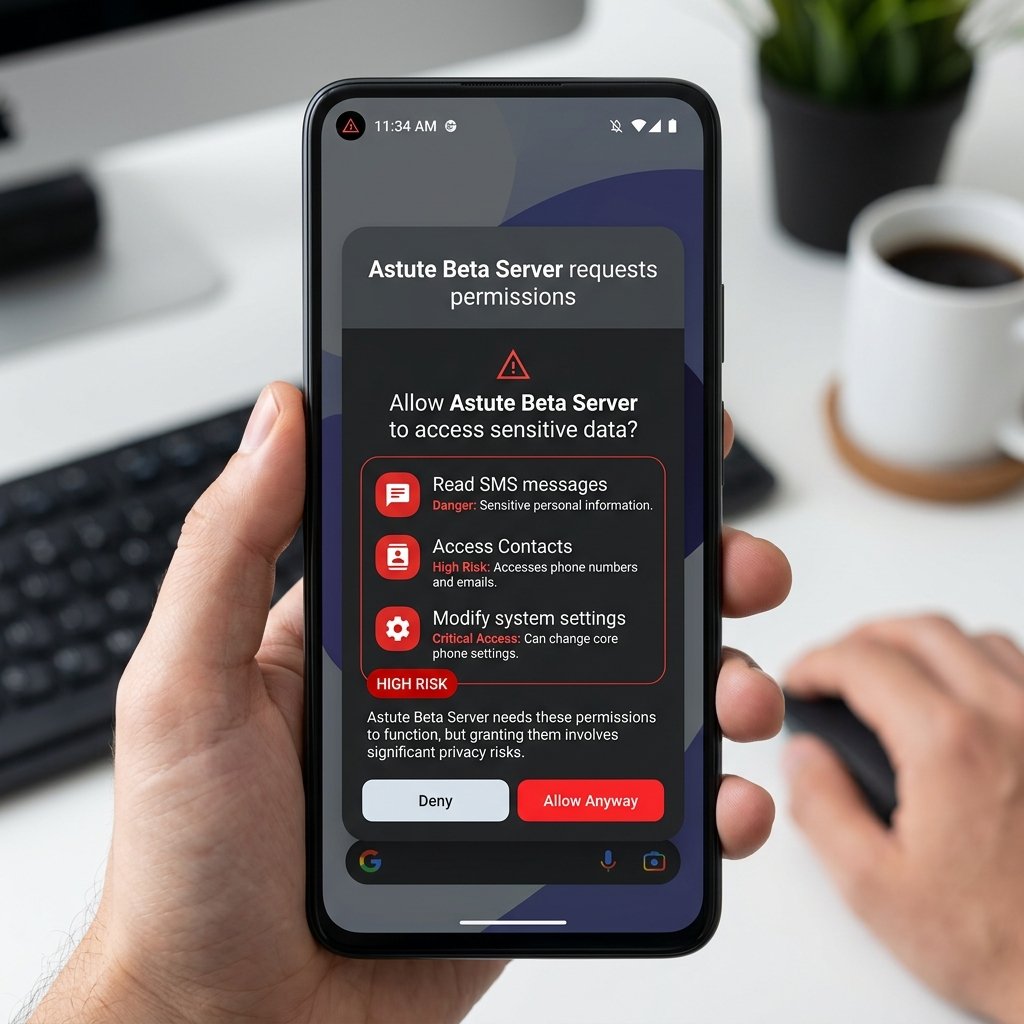
Garena's anti-cheat infrastructure employs dual-detection engines to prevent unauthorized client modifications. Sideloading unofficial packages like the "Astute Beta Server APK" violates Garena's Terms of Service. This technical breakdown explains how the game scans client files, analyzes real-time gameplay patterns, and deploys permanent Hardware ID (HWID) bans.
1. Inside Garena's Dual-Detection Security Architecture
Modern mobile anti-cheat systems do not rely on a single scanning script. Garena implements a **Dual-Detection Engine** that splits operations between the player's device (client-side) and Garena's cloud server nodes (server-side). This architecture ensures that even if an attacker modifies the local client to suppress cheat alerts, the server-side telemetry will identify anomalous data streams and trigger a suspension.
The client-side engine is compiled directly into the game's executable binaries. Its primary role is environment validation—ensuring that the operating system has not been modified to support memory inject tools or script runners. The server-side engine, on the other hand, acts as a validator. It monitors incoming coordinates, velocities, and projectile angles, running real-time heuristic checks to ensure player movements adhere to the game's physics rules.
By splitting the security workload, Garena creates a high-resiliency security ecosystem. Client-side monitors can detect cheating tools in real-time, but they are vulnerable to local tampering, reverse engineering, and bypass hooks. Server-side checks are completely isolated from the user's control, operating in Garena's private cloud environment. This ensures that even if a modded client manages to completely disable the client-side anti-cheat scanner, the server will detect that the player's character is moving faster than the physics model permits, resulting in a server-triggered account ban.
2. Client-Side Auditing: Signature Scans, API Hooking & Virtual Memory Scanning
When you run a modified game client or an unofficial beta app, the local anti-cheat system immediately executes a series of security validation checks.

Cryptographic File Audits
Every official Free Fire release is digitally signed using Android's v2/v3 signature schemes. During the login handshake, the app reads the signature certificate block and calculates a SHA-256 cryptographic hash of key assets, including:
classes.dex: The primary bytecode executable compiled from the game's Java classes.libil2cpp.so: The native C++ engine library containing core gameplay mechanics.AndroidManifest.xml: The configuration blueprint specifying requested permissions and entry activities.
If you sideload a modded APK where an attacker has edited local version strings, modified asset textures, or patched code blocks in libil2cpp.so, the calculated SHA-256 hash will not match Garena's registered production values. The server detects this mismatch during the secure TLS handshake and terminates the connection.
Memory Integrity Protection & Obfuscation
To prevent real-time memory editors (such as GameGuardian, Frida, or cheat menus) from freeze-patching health values or eliminating weapon recoil, the anti-cheat engine uses **memory obfuscation**. Key values (HP, ammunition, spatial coordinates) are not stored as static variables. Instead, they are encrypted in RAM and decrypted on-the-fly using dynamic keys that rotate every game frame.
If a background process attempts to scan memory offsets for specific values, the anti-cheat hook detects the unauthorized debugging activity (e.g., using the Linux ptrace system call) and immediately terminates the application.
API Hooking and DBI Framework Detection
API hooking is a technique used by cheat developers to intercept and modify system or game functions. For example, a cheat might hook the game's rendering functions to overlay player skeletons (ESP) or hook network functions to intercept traffic. Garena's anti-cheat actively scans for API hooks in native libraries. It does this by checking the function entry points (prologues) of critical functions in loaded libraries (like libc.so, libunity.so, and libil2cpp.so).
Normally, these functions begin with standard instructions. When a hook is installed, the first few instructions are typically replaced with redirect instructions, such as branch/jump statements (e.g., B or LDR PC, [PC, #-4] on ARM architectures, or JMP on x86). The anti-cheat performs periodic integrity scans of these RAM addresses and compares them with the original, un-hooked byte sequences stored on the disk.
In addition, the anti-cheat is engineered to recognize Dynamic Binary Instrumentation (DBI) frameworks like Frida. It systematically queries /proc/self/maps looking for loaded libraries that match Frida agent patterns, such as frida-agent.so, or anonymous memory blocks containing Frida's signature payloads. The anti-cheat also audits the network stack by scanning /proc/net/tcp to check if a local debugging daemon is listening on Frida's standard port (27042) or other common debugger ports.
Virtual Memory Scanning & Protection Auditing
A critical defense mechanism is Virtual Memory Scanning. The system queries Virtual Memory Areas (VMAs) directly via the kernel filesystem. It reads /proc/self/maps to audit the permission attributes of all allocated memory pages.
In standard operations, executable code resides strictly in Read-Execute (r-xp) zones, while data resides in Read-Write (rw-p) or Read-Only (r--p) zones. If the scanner detects a VMA marked as Read-Write-Execute (rwxp), it signals a major security hazard. This permission configuration is characteristic of memory that has been dynamically modified to allow the injection and execution of unauthorized custom payloads.
Furthermore, the anti-cheat conducts deep heap and stack walks. It traverses memory allocations looking for unaligned pointers and anomalous return addresses. If a thread's program counter points to an anonymous memory page (which does not belong to any officially loaded module), the system flags it as an injection attack and triggers an immediate client termination.
3. Server-Side Heuristic Analyzers and Physics Validation
If an attacker bypasses local client-side checks, Garena's server-side heuristic models act as the second layer of defense. These models use mathematical algorithms to validate incoming gameplay state vectors.
The server evaluates every movement and action against physics equations:
- Velocity and Traversal Vectors: The server calculates the distance traversed between two time points ($T_1$ and $T_2$). If $Distance / \Delta T$ exceeds the maximum character velocity variable (taking into account sprint variables, vehicles, or gravity curves), the server flags the action.
- Raycast Line-of-Sight Check: When a projectile hit is registered, the server checks the line-of-sight between the shooter's coordinates and the target's coordinates using raycast calculations. If the vector passes through solid geometry (like terrain or buildings), it is flagged as a wall hack.
- Aimbot Pattern Detection: Human aim is imperfect, characterized by mouse movement curves and micro-adjustments. Aimbot scripts snap instantly to targets with zero angular acceleration. Garena's machine-learning filters parse aiming vectors; if the target transition happens in exactly 0 milliseconds, a flag is raised.
Because Garena processes these heuristics asynchronously, bans are rarely instant. Suspicious play patterns are queued for verification, which is why bans are often rolled out in batches (ban waves) to prevent cheat developers from determining exactly which telemetry anomaly triggered the detection.
This latency buffer is a deliberate tactical choice. If an anti-cheat banned users immediately upon server-side detection, cheat developers could use a process of elimination to figure out exactly which thresholds or triggers they crossed. By delaying the bans and grouping them into massive waves, Garena keeps cheat developers in the dark, forcing them to guess which specific telemetry vector—be it angular recoil correction, speed variance, or spatial desynchronization—resulted in the account flagging.
4. Account Suspension vs. Permanent Hardware ID (HWID) Bans
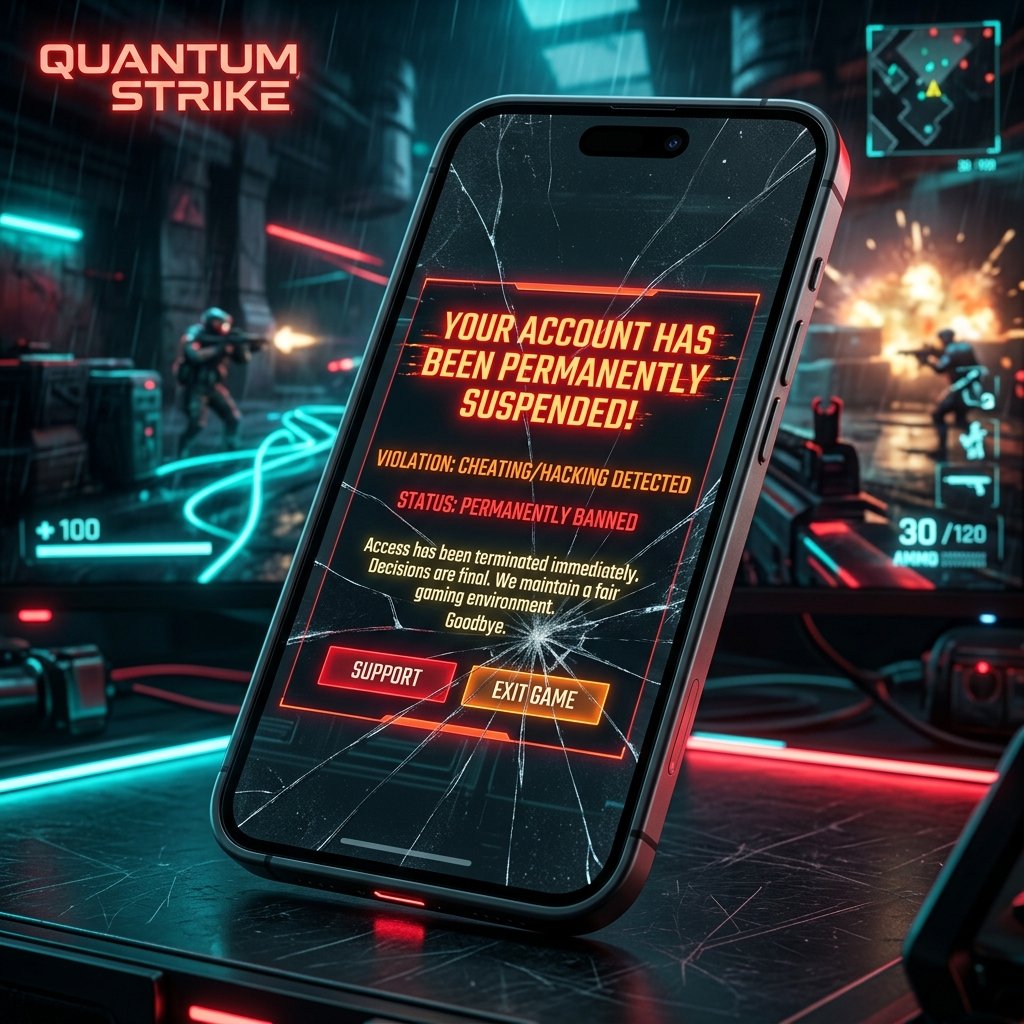
Garena employs different tiers of penalties depending on the severity of the violation. These range from temporary lobby restrictions to complete hardware bans.
Standard Account Bans
A standard account ban blacklists your specific Free Fire User ID in Garena's main database. This is usually triggered by behavior violations, team-up exploitation in solo matches, or verbal abuse in voice channels. The ban renders the profile inaccessible, meaning all purchased skins, elite passes, and diamonds are lost. However, the player can still launch the game and play on a new profile using the same device.
Hardware ID (HWID) Blacklisting
For severe violations—such as distributing modified clients (like the Astute Beta Server), injecting memory editors, or using ESP scripts—Garena deploys the **Hardware ID (HWID) ban**.
When an HWID ban is issued, Garena's anti-cheat client collects several hardware identifiers from your device and sends them to their security servers:
- International Mobile Equipment Identity (IMEI): The unique 15-digit identifier of your mobile device's cellular modem.
- Media Access Control (MAC) Address: The unique hardware address of your Wi-Fi interface.
- Android ID / Widevine DRM Device ID: Unique operating system and hardware-level security tokens.
- Device Serial Number: The manufacturer's hardware identifier.
Garena hashes these values together to generate a unique cryptographic device fingerprint. Once this fingerprint is blacklisted in Garena's database, the device is blocked from completing the connection handshake with the game servers. It does not matter if you create a new Google account or change your IP address; the moment the client launches on that physical device, it displays a connection error or a direct device ban alert. The device is permanently blocked from playing Free Fire.
5. How Hardware ID Hashes are Calculated by the Anti-Cheat
The generation of a Hardware ID (HWID) hash is a complex, multi-layered cryptographic process designed to produce a highly resilient, unique, and deterministic device identifier. The anti-cheat collects high-entropy data from multiple hardware layers and system subsystems, sanitizes the inputs, and applies strong hashing algorithms.
The client-side anti-cheat engine gathers data from the following entropy sources:
- Widevine DRM Device ID: This is one of the most critical anchors for HWID calculation. By querying the Android
MediaDrmsystem class with the Widevine UUID (edef8ba9-79d6-4ace-a3c8-27dcd51d21ed), the client retrieves a unique hardware-bound key. Because the Widevine DRM keys are provisioned into the SoC (System on Chip) hardware security module during manufacturing, this identifier cannot be altered by clearing device storage, factory resetting, or installing custom operating systems. - Android ID: Retrieved via
Settings.Secure.getString(contentResolver, Settings.Secure.ANDROID_ID). This is a 64-bit hexadecimal string randomly generated on device initialization. While it changes if the device undergoes a factory reset, it serves as a highly reliable operating-system-level anchor. - Build Metadata Fingerprint: The anti-cheat queries properties from the
android.os.Buildclass. These includeBuild.BOARD,Build.BRAND,Build.DEVICE,Build.HARDWARE,Build.MANUFACTURER,Build.MODEL, andBuild.PRODUCT. This combination creates a baseline physical profile of the device's hardware configuration. - Network Interface MAC Addresses: The client attempts to query the network stack via low-level socket configurations to read the physical MAC addresses of the wireless interface (
wlan0) and Bluetooth adapters. - System Storage & Hardware Identifiers: Identifiers such as storage block UUIDs, CPU serial numbers (extracted from
/proc/cpuinfoon older OS versions or via native platform APIs), and GPU renderer info.
Once these components are gathered, the anti-cheat processes them through a mathematical pipeline:
- Data Cleansing and Normalization: The raw values are stripped of null characters, spaces, and casing differences. Missing parameters (e.g., if a permission was denied) are replaced with deterministic fallback hashes to avoid script errors.
- Strict Concatenation ordering: The inputs are concatenated in a precise, hardcoded byte sequence. Any variation in the order would yield a completely different hash due to the avalanche effect inherent in cryptographic hashing.
- HMAC-SHA256 Cryptographic Hash: The concatenated string is passed through a SHA-256 algorithm. To prevent attackers from simulating the hash generation on a PC, Garena's anti-cheat implements a Keyed-Hash Message Authentication Code (HMAC). The HMAC key is a secret salt obfuscated inside the native
libil2cpp.sofile or dynamically generated using the Android Keystore system.
The mathematical formula representing this calculation can be expressed as:
This yields a 64-character hexadecimal signature. This signature is stored inside the device's secure sandboxed storage and appended to the metadata headers of every outbound network payload. If the server detects that the incoming HWID hash matches a blacklisted entry in the central database, the connection is instantly severed. Because the Widevine DRM component cannot be spoofed without root-level bootloader modifications, bypassing an HWID ban is virtually impossible for standard mobile devices.
6. Security Detection Tiers: A Technical Comparison
To understand how anti-cheat decisions are made, we can analyze the different security detection tiers Garena utilizes, their typical triggers, and their confidence ratings.
| Detection Tier | Primary Target | Typical Trigger | Ban Severity | Confidence Rating |
|---|---|---|---|---|
| Client Integrity Audits | Modified APK files, modified assets, patched binaries | SHA-256 mismatch in libil2cpp.so or classes.dex |
Permanent account ban + immediate kick | 100% (Cryptographic Proof) |
| Memory Scan Protections | Injectors, memory modification scripts, debuggers | Frida agent footprint in /proc/self/maps, memory page modified to rwx |
Permanent HWID ban + client crash | 99.9% (System Call Traces) |
| Server-Side Heuristics | Speed hacks, wall hacks, teleportation, impossible aiming | Movement velocity exceeding physics limits, Raycast obstacles ignored | Suspended for verification or batch ban | Variable (Heuristic flags queued for verification) |
| Out-of-Game Behavior | Lobby boosting, rank exploitation, toxic chat | Player reporting history, text analysis logs, chat pattern matching | Temporary account suspension to permanent lobby ban | Human verified/Reputation based |
This table illustrates why client-side modifications and memory injectors carry the highest risk. Since these detections are backed by immutable mathematical and system-level proofs, Garena's system enforces automatic, permanent penalties without manual review.
7. Why "100% Anti-Ban" Mod APKs Are Technically Impossible
Many unverified websites and channels distribute modified packages, claiming they are equipped with "Anti-Ban script overrides." This is a deceptive claim designed to encourage downloads.
From a software engineering perspective, an anti-ban mod is impossible for several reasons:
- Server-Side Authority: The client app does not decide if you get banned; Garena's servers do. Even if a modified APK disables client-side detection modules, it cannot stop Garena's servers from auditing incoming coordinate streams and flagging physical anomalies.
- Dynamic Signature Checks: Garena periodically sends cryptographic verification challenges to the client during active gameplay. If the client fails to return the expected hash within the required timeframe, the server flags the session. Modded clients cannot predict these dynamic challenges.
- Delayed Detection Waves: Attackers often claim their mods are safe because they played for 48 hours without a ban. However, Garena queues flagged accounts and executes bans in waves. This delay makes it difficult for modders to determine which specific code change triggered the anti-cheat system.
8. Garena's Ban Appeal Process & Telemetry Evidence
When a player receives an account or HWID ban, they often attempt to appeal through Garena's Customer Support portal. However, the appeal process is heavily constrained by the underlying telemetry evidence. Understanding this workflow helps clarify why most bans are permanent and irreversible.
The Automated Evidence Packet
The moment the anti-cheat engine flags a device or account, it compiles a detailed diagnostic payload—known as the **Evidence Packet**—and sends it to Garena's central logging cluster via secure APIs. This packet contains:
- Triggering Event Code: A specific hexadecimal identifier mapping to the exact detection rule that was violated (e.g., memory hooks, package signature mismatch, debugger attachment).
- Instruction Block Dump: A memory snapshot of the execution state surrounding the anomaly. If a native function in
libil2cpp.sowas modified in memory, the snapshot records the altered assembly instructions, proving the modification. - Cryptographic Checksums: The client-side calculated SHA-256 values of local executable assets.
- Environmental Metadata: System path listings (detecting binaries like
/system/xbin/suor directories like Magisk modules) and system logs.
The Appeal Lifecycle
When a player believes they have been banned in error, they can submit an appeal. The process proceeds through the following lifecycle:
- Submission: The player logs into the official Garena Help Center using their linked account credentials (such as Google, Facebook, or VK). They must fill out a ticket specifying their Player ID, Region, exact date of the incident, and upload screenshots of the in-game warning message.
- Database Lookup & Triage: The ticketing system automatically queries the player's ID in the anti-cheat log database. It pulls all telemetry logs and evidence packets recorded within the days leading up to the ban.
- Tier 1 Resolution (Automated Check): If the lookup yields high-confidence cryptographic signatures of code injection or signature mismatches, the ticketing system automatically closes the case. It issues a standardized template response stating that "third-party client modification has been verified and the ban cannot be lifted."
- Tier 2 Resolution (Human Verification): If the ban was triggered by a lower-confidence server-side movement heuristic, or during a documented false-positive window, the ticket is routed to a human security analyst. The analyst reviews the telemetry coordinates, player latency logs, and server tick rates to verify if network instability caused the movement anomaly. If a false positive is confirmed, the analyst manually lifts the suspension.
Because Garena's anti-cheat maintains high thresholds for permanent bans, false positives are exceedingly rare. Once a cryptographic violation is flagged, there is no path to appeal.
9. Step-by-Step Device Audit: Preventing False-Positive Flags
Although false positives are rare, certain system configurations can inadvertently trigger anti-cheat warnings or connection blocks. To ensure your account and device remain in good standing, you can perform a detailed security audit on your mobile device:
- Inspect Developer Settings: Go to your device's System Settings and check the "Developer Options" menu. Disable "Mock Locations", as anti-cheat engines flag mock location providers to prevent players from spoofing their regions. Additionally, disable "USB Debugging" when playing, as active debug bridges allow memory inspection.
- Audit Screen Overlays and Floating Windows: Access the "Draw over other apps" or "Display over other apps" permission manager in Android. Revoke permissions for unverified applications, especially crosshair overlay tools, floating macro buttons, or unauthorized game boosters. The anti-cheat scan flags these overlay windows if they attempt to capture screen inputs or hook into game rendering boundaries.
-
Remove Root-Level Exploits and Remnants: Ensure your device does not have leftover binaries from root managers like SuperSU or Magisk. Even if you have unrooted your phone, check that folders like
/system/xbin/suor/system/bin/failsafe/sudo not contain orphan files, as the anti-cheat detects these path names. - Disable Custom DNS and VPNs: Avoid playing the game while connected to third-party VPNs or using custom DNS servers that route traffic through proxy servers. This can cause latency-induced coordinate sync issues on Garena's server-side heuristics, flagging your account for movement velocity anomalies due to packet drops.
- Install Official Signed Packages Only: Always delete any previous beta builds or third-party client wrappers. Download the game exclusively from the official Google Play Store or Apple App Store to guarantee that your client-side file signatures match Garena's production hashes exactly.
By maintaining a clean system environment and using official clients, you eliminate the risk of triggering the automated anti-cheat engines, preserving your account data, virtual purchases, and hardware access.