
No, the Astute Beta Server is not safe. In fact, it is an unauthorized, third-party modded client distributed outside official channels. Sideloading this APK onto your Android device exposes your private credentials to severe phishing attacks, bypasses built-in operating system security layers, and guarantees a permanent Hardware ID (HWID) ban from Garena. Under no circumstances should you download, install, or run this client.
The Hype Behind the Astute Beta Server
Every time Garena Free Fire announces an upcoming patch update—such as the highly anticipated OB53 patch—the community experience a surge of excitement. Players naturally scramble to preview new character skills, test unreleased weapons, and explore map changes before anyone else. This early access provides a massive competitive advantage when the new ranked season starts. However, Garena opens registrations for the official Advance Server in extremely restricted windows, and the available spots fill up within a matter of hours.
This scarcity model creates an ideal breeding ground for bad actors. Cybercriminals exploit the player base's Fear Of Missing Out (FOMO) by distributing modified application files branded as the "Astute Beta Server." Promoted heavily across video sharing platforms and sketchy third-party web domains, these files promise unrestricted entry to the beta version without needing an activation code, and even throw in claims of unlimited free Diamonds. Unfortunately, this early access comes at the price of your gaming account, personal data, and physical device security.
Decompiling APKs: What Astute Beta Server Actually Is
To understand the technical risks, we must look at what happens behind the scenes of mobile game development. Android applications are packaged as APK (Android Package Kit) files, which are compiled archives containing native libraries, compiled DEX files (Java bytecode running on the Android runtime), resource files (images, audio, layout maps), and security metadata.
Hackers and modders create the Astute Beta Server through a process known as reverse engineering. By using decompilers like apktool, jadx, or dex2jar, they unpack Garena's official application archive and extract the compiled code. They locate the hardcoded network connection strings, DNS configurations, and encryption keys that manage communication with Garena's official matchmaking and authentication servers.
Once these files are isolated, the modders perform several dangerous actions:
- Server Redirection: They rewrite the API endpoints to route the client's network traffic to their own private emulator servers. These servers are unstable and run modified server code to simulate a game environment.
- Client-Side Injection: They modify client values in memory. This is how they display fake "999,999 diamonds" in the UI. Because Free Fire is a server-authoritative game, these diamonds are client-side visual tricks; they do not exist on Garena's databases and cannot be spent in the real game store.
- Signature Overwriting: Since Garena's original cryptographic key is secure, rebuilding the modified files breaks the app's cryptographic integrity. The hackers sign the modified APK with their own custom certificates.
This reverse-engineering pipeline bypasses Garena's software licensing protections. It also breaks the security sandbox of your Android device, exposing it to whatever modifications the distributor decided to slip into the repackaged file.
APK Signature Mismatches & Play Protect Bypass
Every Android device relies on the Android Security Model to verify application integrity. When a developer uploads an application to the Google Play Store, they sign the binary using a unique, private cryptographic certificate. When your device installs an update, the Package Manager checks if the signature of the update matches the signature of the currently installed app. If the signatures match, the update is verified.
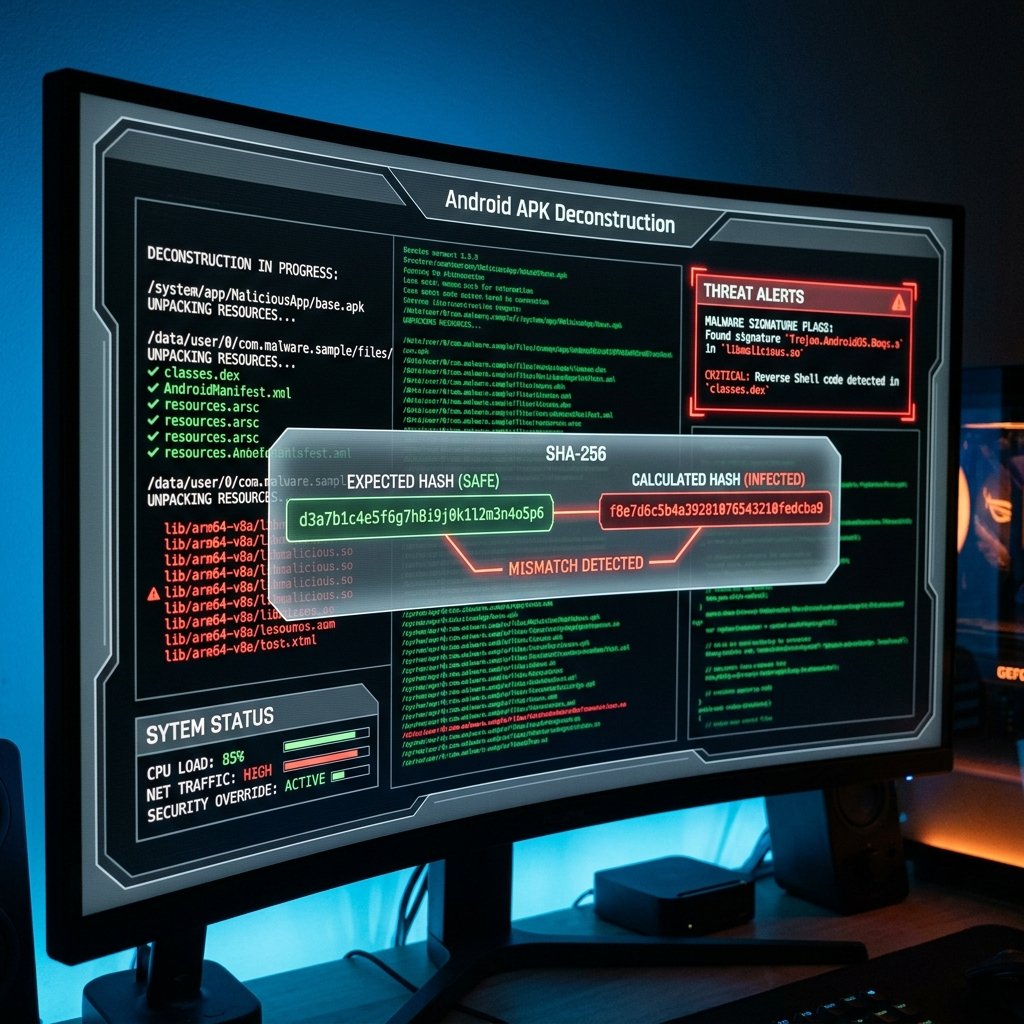
Because the Astute Beta Server is modified, it lacks Garena's verified cryptographic signature. When you attempt to install it, Android's built-in Google Play Protect engine immediately flags the application. In order to proceed, the site hosting the download instructs you to disable Google Play Protect and toggle the "Install from Unknown Sources" setting in your Android settings.
By disabling Play Protect and sideloading a modified APK, you strip your mobile OS of its core defense mechanism. You allow the app to run outside the sandboxed environment that normally limits apps from viewing other processes or harvesting data from your device's memory.
Garena's Anti-Cheat Engine & The Mechanics of Hardware Bans
Garena protects the competitive integrity of Free Fire through a highly sophisticated, proprietary anti-cheat engine. This system works on a dual mechanism: client-side checks and server-side analysis.
When you run an official Free Fire client, the app checks the integrity of its assets. It compares cryptographic hashes of its core file structures against the master hashes stored on Garena's authentication servers. A modified client like the Astute Beta Server has mismatched file structures. The moment this client tries to communicate with Garena's authentication servers, it is instantly flagged.

Garena employs two tiers of enforcement to deal with these violations:
Account Suspension
This is the suspension of your unique Free Fire account ID. The server database marks your account as banned. You lose all progress, purchased outfits, weapon skins, character upgrades, and diamond balances forever. These bans are permanent and Garena almost never reverses them upon appeal if a modified client is detected.
Hardware ID (HWID) Ban
This is Garena's most severe ban. The client-side anti-cheat extracts your physical device identifiers, including your IMEI number, MAC address, Android ID, and device serial numbers. The system blacklists these identifiers. Even if you create a new account or attempt to log in on a guest account, the server rejects the device. You will never be able to run Free Fire on that phone again.
Many players assume that they can bypass these blocks by uninstalling the modded app, resetting their Google accounts, or utilizing a VPN. However, because Garena registers the hardware layer (HWID), these tricks fail. Once an HWID ban is issued, the device is permanently blocked. The only way to play the game again is to purchase a new phone.
The Dark Side: Malware Payloads & Privacy Risks
While losing your gaming account is frustrating, the danger to your physical device and real-life security is far worse. Modified APKs distributed on shady websites are frequently bundled with hidden malware payloads that run silently in the background.
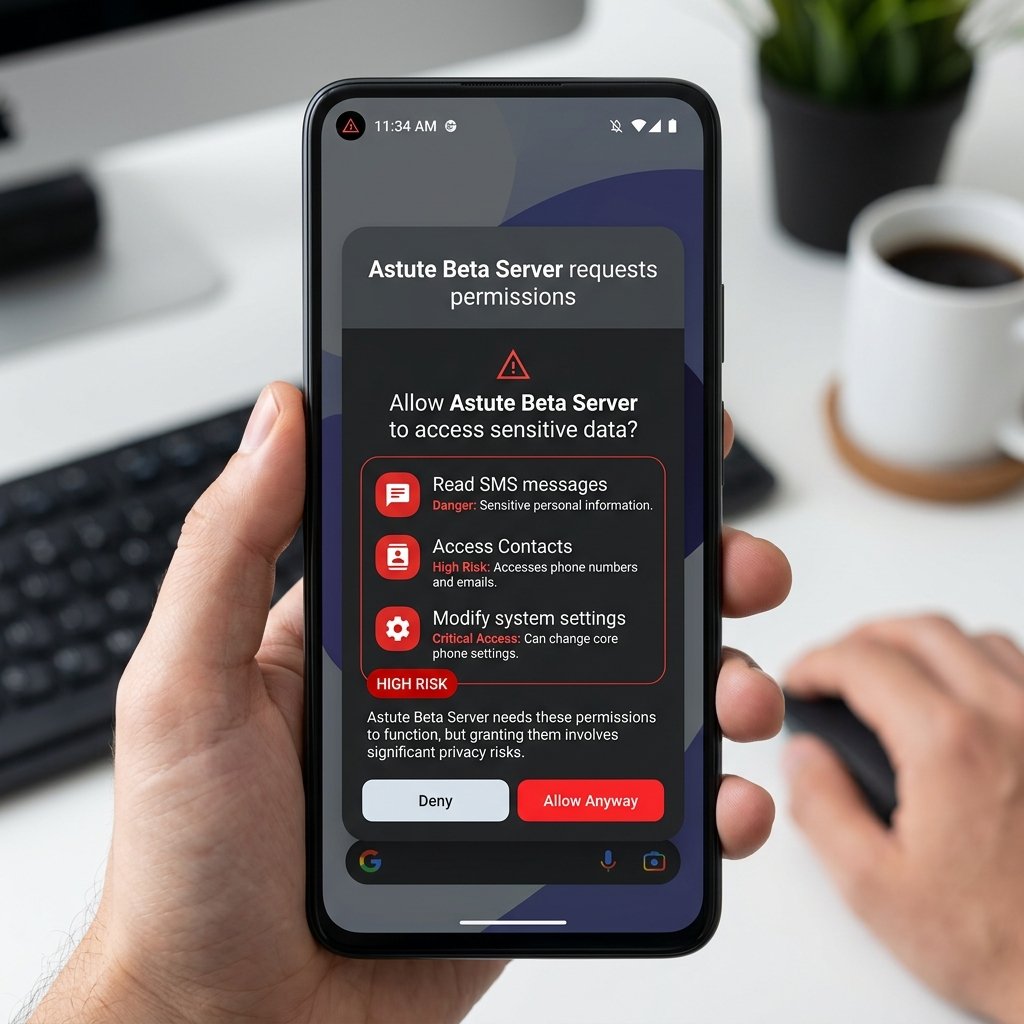
Security analysts have decompiled multiple versions of these fake beta servers and discovered the following dangerous payload behaviors:
1. Credential Stealers & Account Phishing
Many Astute Beta APKs present the player with a custom social login screen (such as Facebook, Google, VK, or Huawei) to "connect their account." This login window is actually a phishing overlay. The credentials you type into this page bypass official authentication systems and go straight to the hacker's database. The hacker then logs into your official account, changes the credentials, steals your virtual assets, and sells the account on black-market forums.
2. SMS Hijacking & Carrier Billing Scams
To bypass modern multi-factor authentication (MFA) systems, modded APKs often request permission to read and receive SMS messages (android.permission.READ_SMS and android.permission.RECEIVE_SMS). Once granted, the application can read verification codes sent by your bank, email provider, or social media sites. Furthermore, these apps can secretly send premium SMS messages from your device, subscribing you to paid SMS services that charge your cellular carrier bill directly.
3. Remote Access Trojans (RATs) & Telemetry
Some versions contain Remote Access Trojans. These tools monitor background processes, capture keyboard inputs (keyloggers), access your contact list, and read your device storage. They harvest sensitive photos, documents, and chat records, which are then bundled and uploaded to remote Command and Control (C2) servers.
4. Thermal Throttling & Adware
Repackaged APKs often contain adware components that run in background services. These services load hidden web browsers that silently click on advertisements to generate revenue for the mod creator. This background process consumes high levels of CPU and GPU cycles, causing severe thermal throttling, battery drain, and screen lag during regular device use.
Comparison: Official vs. Modified Beta Apps
To clearly illustrate the structural differences between official Garena programs and unofficial mods, review the comparison table below:
| Feature / Risk | Official Garena Advance Server | Astute Beta Server (Unofficial) |
|---|---|---|
| Publisher | Garena (Official) | Unknown Modder / Anonymous Group |
| Source | Garena's Official Domain | MediaFire, Mega, File-sharing Blogs |
| Cryptographic Signature | Verified Garena Certificate | Self-Signed / Broken Integrity Hash |
| Google Play Protect Approval | Yes (Approved) | No (Flagged as Malware/Adware) |
| Account Ban Risk | Zero Risk (Sanctioned Program) | Extreme Risk (HWID & Account Ban) |
| Diamonds Benefit | Earn real diamonds via bug reporting | Fake client-side counter (zero value) |
| Required Permissions | Standard Game Permissions | Intrusive (SMS, Contacts, Storage) |
What to Do If You Installed Astute Beta Server
If you have already downloaded and run this modified client on your mobile device, you need to act immediately to secure your personal data and gaming credentials. Below is our step-by-step security disinfection protocol:
1. Network Isolation & App Removal
Disconnect your device from Wi-Fi and mobile data immediately to stop the malware from communicating with its C2 server. Navigate to your Android Settings, select "Apps," locate the Astute Beta application, and tap "Uninstall." Navigate to your "Downloads" folder and delete the raw .apk file as well.
2. Execute Certified Antivirus Scans
Re-enable your network connection and download a verified security scanner from the Google Play Store (such as Malwarebytes or Avast). Run a complete system-wide scan to detect and remove any secondary payloads, rootkits, or background adware tools hidden in your system directories.
3. Rotate Credentials & Linked Account Passwords
From a separate, secure device, change the passwords for all accounts linked to your Free Fire profile (Google, Facebook, VK, Twitter). Enable Two-Factor Authentication (2FA) using an authenticator app (like Google Authenticator) rather than SMS-based 2FA, as SMS codes can be intercepted by Trojan payloads.
4. Revoke OAuth Application Access
Go to the security settings of your Google or Facebook account. Review the list of authorized third-party applications and revoke access tokens for any unknown services, apps, or game-related plugins that were added during the installation period.
The Only Safe Way: Official Free Fire Advance Server
You do not need to risk your hardware to test new features. Garena hosts an official beta testing program designed for this exact purpose. The official Free Fire Advance Server is entirely safe, sanctioned by the developers, and does not require you to disable device security settings.
By registering through Garena's official web portal during the pre-update window, you receive a legitimate, signed APK package and a verified, single-use activation code. Testing is conducted on a separate server, meaning that even if the preview version contains game-crashing bugs, your main profile remains completely unaffected.
Furthermore, Garena actively rewards participants. If you identify and document a major bug or exploit and submit it through the official feedback form, Garena will deposit real Diamonds directly into your live, global account. This is the only legitimate method to preview upcoming updates.
By committing to safety and avoiding unauthorized game modifications, you protect your personal files, preserve your competitive ranking, and ensure your device remains free of harmful Trojans or cryptominers. Security must always come first.